Casino Mate Mobile App for Australia — Play Pokies on Your Phone
No bulky APK, no App Store wait. Casino Mate runs as a fast browser-based web app you add to your home screen — the full pokies lobby, live tables and AUD banking in your pocket. Here is exactly how to install and use it.
How the Casino Mate app actually works
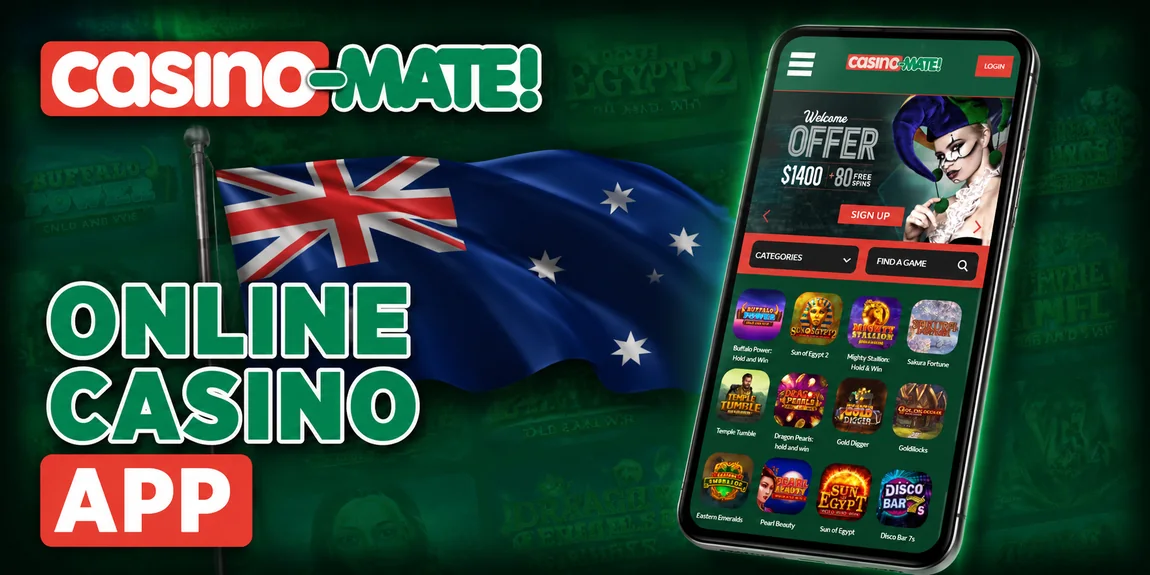
There is a common misconception that you need to hunt down a heavy Android APK or wait for an iPhone app to clear the App Store before you can play on your phone. With Casino Mate you do neither. The casino is delivered as a responsive progressive web app (PWA) — you simply open the site in your mobile browser and, if you want a shortcut, add it to your home screen. That launcher icon then behaves almost exactly like a native app: it opens full-screen, hides the browser chrome and drops you straight into the lobby.
This approach has real advantages for Australian players. Because the app streams from the browser, it takes up next to no storage, it updates automatically with every visit, and it sidesteps the ban on real-money gambling apps in Google Play and Apple's App Store. It also means the experience is identical whether you are on a Samsung, a Pixel or an iPhone — the same MGA-licensed casino, the same AU$1,400 welcome package and the same POLi and PayID cashiering you would use on a desktop. For the full brand overview, banking detail and bonus small print, our main Casino Mate Australia review pulls everything together in one place.
In this guide I walk through installing the web app on both Android and iOS, score the mobile experience section by section, list the system requirements, and cover the mobile bonuses, data usage and the handful of quick fixes for when the app refuses to load. Everything below reflects hands-on testing on real handsets rather than a marketing sheet.
The full casino, shrunk to fit
The mobile lobby is not a stripped-back version of the desktop site — it carries the whole thing. You get the complete pokies range, from Microgaming Hold & Win hits to classic three-reel machines, plus the live dealer wing streaming real roulette, blackjack and baccarat straight to your handset.
Navigation is built for thumbs. A search bar sits at the top so you can jump to a favourite title in a couple of taps, category filters keep the reels tidy in portrait orientation, and the cashier handles Australian dollars natively through POLi, PayID, Neteller and ecoPayz. Deposits are instant and your Club Mate loyalty points keep ticking over exactly as they do on desktop.
How to add Casino Mate to your home screen
The process takes under a minute and there is nothing to download from a store. Follow the path for your device — Android through Chrome, or iOS through Safari — and you will have a launcher icon ready to tap.
Install on Android (Chrome)
Tap the Play on Mobile button or type the Casino Mate address into Chrome. Let the lobby finish loading so the browser recognises it as an installable web app.
Tap the three-dot menu in the top-right corner of Chrome to reveal the site options.
Select "Add to Home screen" (sometimes shown as "Install app"). Chrome offers a name for the shortcut — leave it as is or rename it.
Tap "Add", then "Add" again on the confirmation prompt. A Casino Mate icon appears on your home screen — tap it to launch the app full-screen and sign in.
Install on iPhone & iPad (Safari)
The home-screen feature only works in Safari on iOS, so avoid Chrome or Firefox here. Load the Casino Mate lobby and wait for it to render.
Press the Share button — the square with an upward arrow — in the Safari toolbar at the bottom (or top on iPad).
Scroll the share sheet and tap "Add to Home Screen". Edit the shortcut name if you like, then tap "Add" in the top-right corner.
The Casino Mate icon now sits alongside your other apps. Tap it to open the casino in a clean full-screen window and log in to play.
Tip: You never actually need the home-screen icon to play — it is purely a shortcut. You can always just open the casino in any modern mobile browser and sign straight in.
Six things the mobile app gets right
Instant play
No download queue and no install size — the web app loads in the browser and you are spinning within seconds.
Portrait pokies
Reels are optimised for one-handed portrait play, with tap-friendly bet controls and a spin button in easy reach.
Push-free
A browser web app can't spam you with push notifications, so there is no nagging to opt out of — you play on your terms.
Secure login
The same SSL-encrypted, MGA-regulated login as desktop, with the option to save your details for a quick tap-in.
Fast POLi & PayID
Cashier the way you bank in Australia — POLi and PayID deposits land instantly, all in native AUD with no conversion fees.
Live casino on mobile
Real-dealer roulette, blackjack and baccarat stream in HD straight to your handset over Evolution's mobile tables.
How the mobile experience rates
After testing the web app across a few Android and iOS handsets, here is how I score the parts of the mobile experience that matter most to Australian players. These are my own ratings, weighted toward everyday usability rather than raw benchmarks.
Speed and banking are the standouts — pages render quickly on 4G and payments are as smooth as on desktop. Game range scores a touch lower only because a small number of older Flash-era titles have not been re-mastered for touch, but every popular Hold & Win pokie plays perfectly. Usability is strong thanks to the search bar and clean portrait layout.
System requirements at a glance
Because it is a browser web app, the footprint is tiny. If your phone is from the last several years and its operating system is up to date, you are good to go.
| Platform | Minimum OS | Browser | Storage needed |
|---|---|---|---|
| Android | Android 7.0+ | Chrome (recommended) | Minimal — web app |
| iPhone / iPad | iOS / iPadOS 13+ | Safari (required for home screen) | Minimal — web app |
| Older devices | Any modern browser | Chrome / Safari / Edge | Runs from the browser |
There is no gigabyte-heavy install to wedge onto a full phone — the app effectively lives in the browser cache and refreshes itself each visit, so you are always on the latest version without manual updates. A steady mobile-data or Wi-Fi connection matters far more than free storage here.
Mobile bonuses, performance and troubleshooting
Every promotion works exactly the same on mobile as it does on desktop. You can trigger the full AU$1,400 + 80 free spins welcome package from your phone, claim the weekday Money Days 40% reload, and keep banking Club Mate loyalty points on the go — the offers are tied to your account, not your device. Free spins credited to a nominated pokie play beautifully in portrait, and if you want to see which titles are best suited to a small screen our mobile pokies selection breaks the library down title by title.
Data and performance. Pokies are lightweight to stream, so casual play barely dents a data plan; the biggest draw is the live dealer wing, where the HD video feed uses noticeably more data — save those sessions for Wi-Fi if you are watching your usage. To keep frames smooth, close unused browser tabs and background apps before a long session, and make sure your OS and browser are updated, since older builds can stutter on newer games.
If the app won't load. Nine times out of ten a quick refresh fixes it. If a game hangs on a black screen, force-close the browser tab and reopen the home-screen icon. If the lobby itself misbehaves, clear the browser cache, confirm you have a stable connection, and check that your browser is current. Should you still be locked out, it is usually an account or verification issue rather than a device fault — the support team is reachable by live chat, email and phone, and first-withdrawal KYC checks are standard for any MGA-licensed casino. Remember to play within a budget you can afford; Casino Mate is for players aged 18 and over, and free help is available through Gambling Help Online on 1800 858 858.